
Key Takeaways
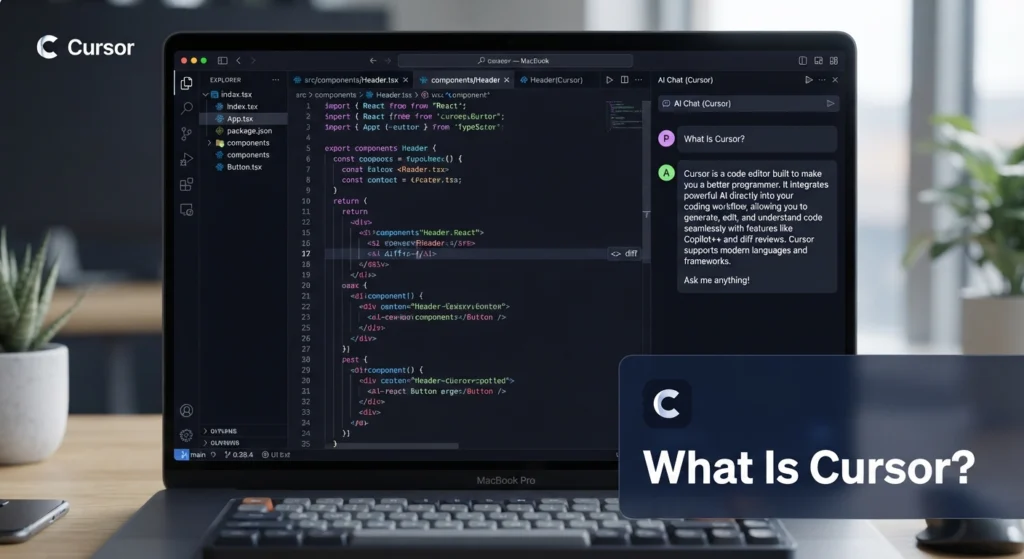
- What is Cursor AI? It’s an AI-native code editor built on top of VS Code, adding AI autocomplete, whole-codebase chat, and multi-file editing agents.
- Cursor has a permanent free Hobby plan (no credit card required) plus paid tiers at $20, $60, and $200/month.
- New accounts can also start a 14-day Pro trial to test the paid features before committing.
- It’s built for developers and technical founders — but small business owners who work with a dev team or a freelance coder benefit from understanding what it does.
Table of Contents
What Cursor Does
Cursor is a code editor — a fork of Microsoft’s VS Code — with AI built into nearly every part of the workflow instead of bolted on as a plugin. It offers inline code suggestions as you type, a chat panel that understands your entire codebase (not just the open file), and an agent mode (Composer) that can edit multiple files at once to complete a task you describe in plain language.
Under the hood, Cursor routes requests to third-party models — including Claude, GPT, and Gemini — rather than running its own foundation model. You can let Cursor pick automatically (Auto mode) or choose a specific model for harder tasks.
Key Features
- Tab completion — predictive, multi-line code suggestions based on your recent edits, not just the current line
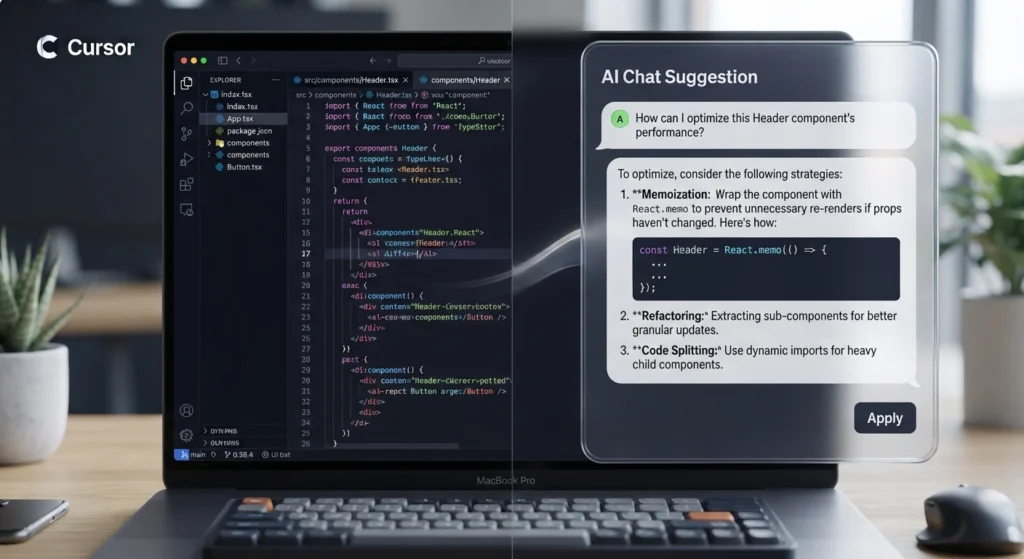
- Codebase-aware chat — ask questions that reference your whole project, not a single file
- Composer / Agent mode — describe a change in plain language and let Cursor edit several files to implement it
- Model choice — Auto mode for routine work, manual model selection (Claude, GPT, Gemini) for complex tasks
- VS Code compatibility — existing extensions, themes, keybindings, and settings carry over
- Bring Your Own Key (BYOK) — connect your own API keys for supported models
Cursor Pricing (2026)
| Plan | Price | Best For |
|---|---|---|
| Hobby | Free | Learning, light use, evaluating the editor |
| Pro | $20/month | Developers coding daily |
| Pro+ | $60/month | Heavier agent/model usage |
| Ultra | $200/month | Full-time devs running agents all day |
| Teams | $40/user/month | Small dev teams |
| Enterprise | Custom | Larger organizations |

Cursor bills on a credit system layered under these plans: each plan includes a monthly usage pool, and cost can rise if your team frequently selects premium models by hand instead of using Auto mode. Confirm current numbers on Cursor’s official pricing page before budgeting, since credit allowances have changed more than once since 2025.
How To Get Cursor Free Trial Access
If you’re wondering how to get a Cursor free trial, there are two legitimate starting points:
- The Hobby plan — this isn’t technically a “trial,” it’s a permanent free tier. No credit card, no time limit. You get the full editor plus a limited monthly allowance of AI completions and slow premium requests, which is enough to properly evaluate the tool.
- The 14-day Pro trial — sign up at cursor.com with a work or personal email, and eligible new accounts can start a time-limited trial of the Pro tier to test the full feature set before paying.
Students with a valid academic email have historically also had access to a free year of Pro through Cursor’s student program — availability of new enrollments changes over time, so check the current terms directly on Cursor’s site rather than relying on older guides.
Best Use Cases for Small Businesses
- You have an in-house developer or technical co-founder: Cursor speeds up day-to-day feature work and bug fixes.
- You outsource development: understanding what Cursor is helps you have informed conversations with a freelance developer or agency about tooling and turnaround time.
- You’re a non-technical founder prototyping an MVP: paired with a no-code/AI app builder for the first draft, Cursor is often used afterward to clean up and extend the generated code.
Cursor vs. GitHub Copilot
| Cursor | GitHub Copilot | |
|---|---|---|
| Type | Standalone AI-native editor (VS Code fork) | Extension added to your existing editor |
| Codebase context | Full-project aware chat and agents | Primarily file/inline suggestions |
| Multi-file editing | Yes (Composer/Agent mode) | Limited |
| Starting price | Free (Hobby) / $20 Pro | ~$10/month |
FAQ
What is Cursor?
Cursor is an AI-powered code editor built on VS Code that adds AI autocomplete, project-wide chat, and multi-file editing agents directly into the development workflow.
What is Cursor AI, exactly — is it a chatbot or an editor?
It’s a full code editor, not a standalone chatbot. The AI features (autocomplete, chat, agents) are built into the editing environment itself.
How do I get a Cursor free trial?
Use the permanent free Hobby plan for unlimited-time, limited-usage access, or sign up for the 14-day Pro trial at cursor.com to test the paid tier’s full feature set.
Is Cursor free forever?
The Hobby plan is free indefinitely with no credit card required, though AI usage is capped monthly.
Written by Marcus Reyes, Founder & CEO of AI Product News, covering practical AI tools for small business owners and entrepreneurs.
Looking for more AI tools to speed up your workflow? Browse our full Tools section on AI Product News.