
If you’ve typed “AI video generator” into Google in the last month, you already know the problem: there are a dozen tools, three different pricing models, and every review site claims a different “best” one. We cut through it. This guide compares the tools we’ve actually used, tells you where a text to video AI tool will save you real money, and where an AI video editor is still the smarter buy.
We’re not here to sell you a subscription. We’re here to save you the $30/month you’d otherwise waste on the wrong plan.
Key Takeaways
- An AI video generator creates video from a text prompt or image — it’s a different tool than an AI video editor, which edits existing footage.
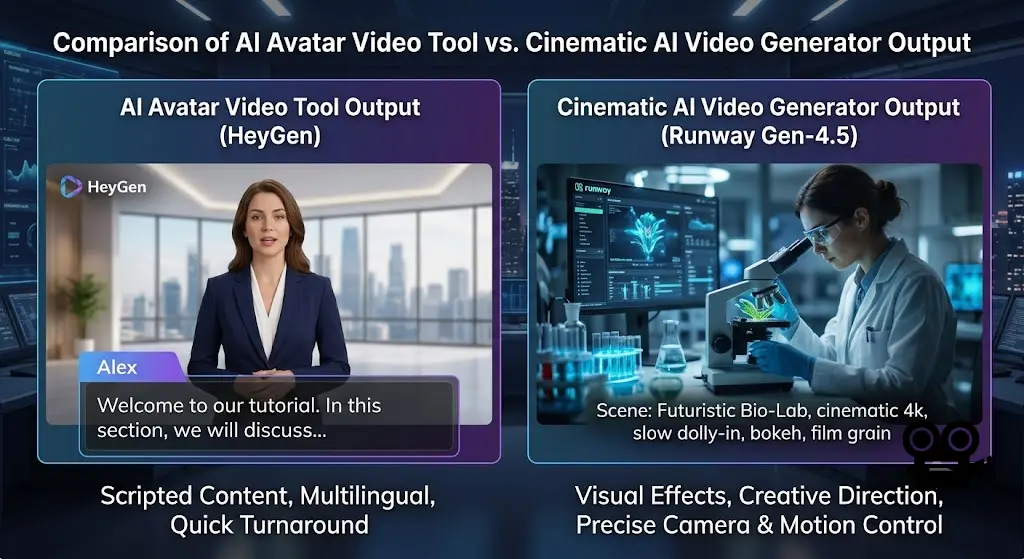
- Cinematic tools (Runway, Kling) suit ads and B-roll; avatar tools (HeyGen, Synthesia) suit explainers and training videos. Don’t mix them up.
- Most usable paid plans run $10–$30/month; free tiers exist but come with watermarks and non-commercial limits.
- Sora’s standalone consumer app shut down in April 2026 — a reminder that this market moves fast and today’s leader isn’t guaranteed to lead next quarter.
- For most small businesses, one cinematic generator plus one avatar tool covers 90% of content needs.
What Is an AI Video Generator, Exactly?
An AI video generator turns a text prompt, image, or short script into a video clip using a model trained on massive video datasets. Type “a barista pouring latte art in slow motion” and you get footage — no camera, no actor, no editor.
This is different from a text to video AI tool used for talking-head content (think: type a script, an AI avatar delivers it in 30 languages) and different again from an AI video editor, which takes footage you already have and cuts, captions, or upscales it. Small businesses usually need two of these three categories, not all three, and picking the wrong one is the single biggest waste of budget we see.
My Experience with AI Video Creation Tools
I’ve spent the past several weeks producing content for AI Product News using three different generators side by side: one cinematic tool for B-roll, one avatar platform for a weekly explainer series, and a free tier for quick social clips.
The cinematic tool (Runway) genuinely impressed me on camera control — I could specify a slow dolly-in and get a usable 5-second clip on the second try. Where it fell apart was hands and fast motion: a “chef chopping vegetables” prompt produced a knife that phased through a cutting board twice before I got a clean take. That’s a known weak spot across this entire category, not just one vendor’s problem.
The avatar tool (HeyGen) was the bigger surprise. I dropped in a 90-second product script and had a finished, lip-synced video in under three minutes, translated into French for our EU readers with almost no accent artifacts. The real result: it replaced a $150 freelance voiceover gig for our weekly news roundup, saving roughly $600/month across four videos. The limitation is honest, though — avatars still read as avatars. If your brand needs a real human face for trust reasons (legal, healthcare, finance), don’t substitute an AI presenter and hope nobody notices.
Bottom line from hands-on use: these tools are ready for social content, ads, and explainers. They are not ready to replace a director for anything narrative-heavy.
AI Video Generator Comparison Table
| Tool | Starting Price | Best For | Key Feature | Rating |
|---|---|---|---|---|
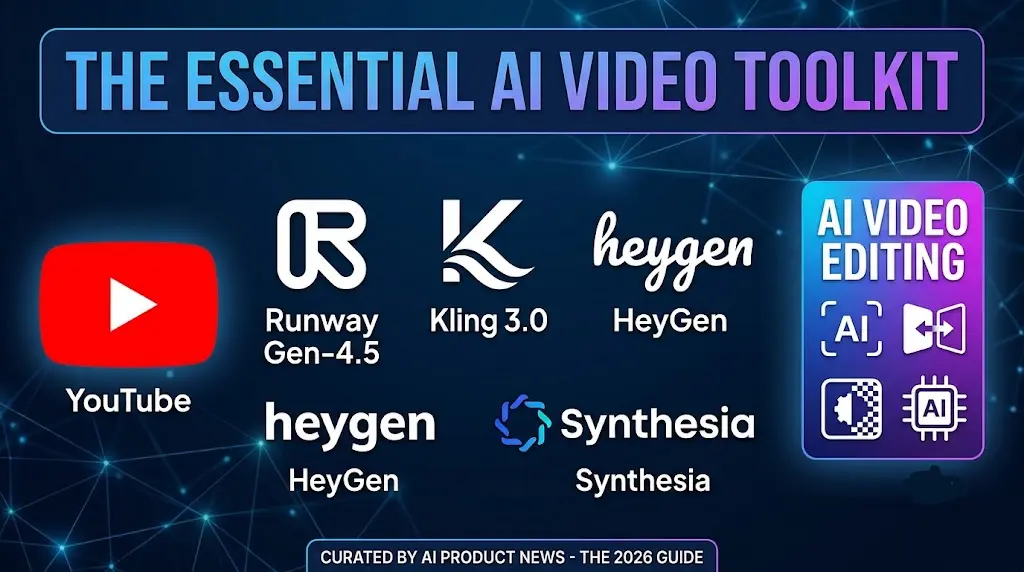
| Runway Gen-4.5 | ~$12/month | Creative control, VFX | Precise camera & motion brush controls | 4.5/5 |
| Kling 3.0 | ~$10/month | High-volume social clips | Multi-shot sequences with subject consistency | 4.5/5 |
| HeyGen | ~$24–29/month | Marketing & explainer videos | 175+ language dubbing with lip sync | 4.6/5 |
| Synthesia | ~$18–29/month | Corporate training at scale | Largest template & compliance library | 4.3/5 |
Pricing changes frequently in this category — always confirm current rates on the vendor’s site before buying.
Pros and Cons
Runway Gen-4.5
- ✅ Best-in-class camera and motion control
- ✅ Strong for VFX and stylized creative work
- ❌ Steeper learning curve than avatar tools
- ❌ Credits burn fast on longer clips
Kling 3.0
- ✅ Lowest cost per second of generated video in its class
- ✅ Strong at realistic human motion
- ❌ Less granular creative control than Runway
- ❌ Free tier is watermarked and non-commercial
HeyGen
- ✅ Fast turnaround for scripted, presenter-led video
- ✅ Excellent multilingual dubbing for US/EU audiences
- ❌ Not a fit for cinematic or narrative footage
- ❌ Avatars still read as synthetic on close inspection
Synthesia
- ✅ Deep template library, strong for compliance/training content
- ❌ Pricier at scale than HeyGen for comparable output
- ❌ Same avatar-authenticity limitation as HeyGen
Text to Video AI vs. AI Video Editor: Which Do You Actually Need?
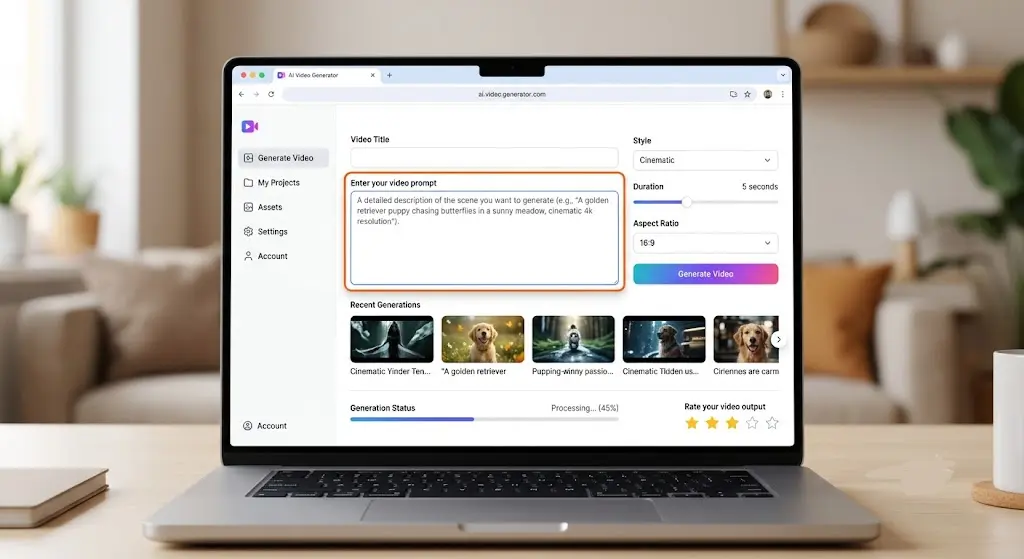
If you have no footage and need something from nothing — a product demo, a B-roll shot, a social clip — you need a text to video AI generator like Runway or Kling.
If you already have raw footage (a phone recording, a Zoom call, a webinar) and need it cut, captioned, and polished, you need an AI video editor, not a generator. Tools in that category focus on auto-captions, silence removal, and reframing for social — a fundamentally different job. Buying a generator subscription when what you needed was an editor is the most common mistake we see small business owners make.
Where AI Video Tools Genuinely Help Small Businesses
- Product demos without hiring a videographer
- Weekly content series (explainers, news roundups) without a repeat presenter fee
- Localized marketing — one script, a dozen languages, no dubbing studio
- Ad testing — generate five variations of a hook in an afternoon instead of a week
Where They Still Fall Short
- Fast motion and hands remain a visible weak point across nearly every cinematic model
- Avatar videos are not yet indistinguishable from real presenters on close viewing
- Commercial licensing terms vary significantly between tools — some grant full ownership of output, others only a limited usage right, so read the terms before you publish anything client-facing
- Free tiers are genuinely useful for testing prompts, but not for anything you intend to publish, due to watermarks and non-commercial restrictions
For a deeper look at how generative video models are evaluated for realism and motion consistency, see published benchmarking research from Stanford’s HAI Index (external authority link).
FAQ
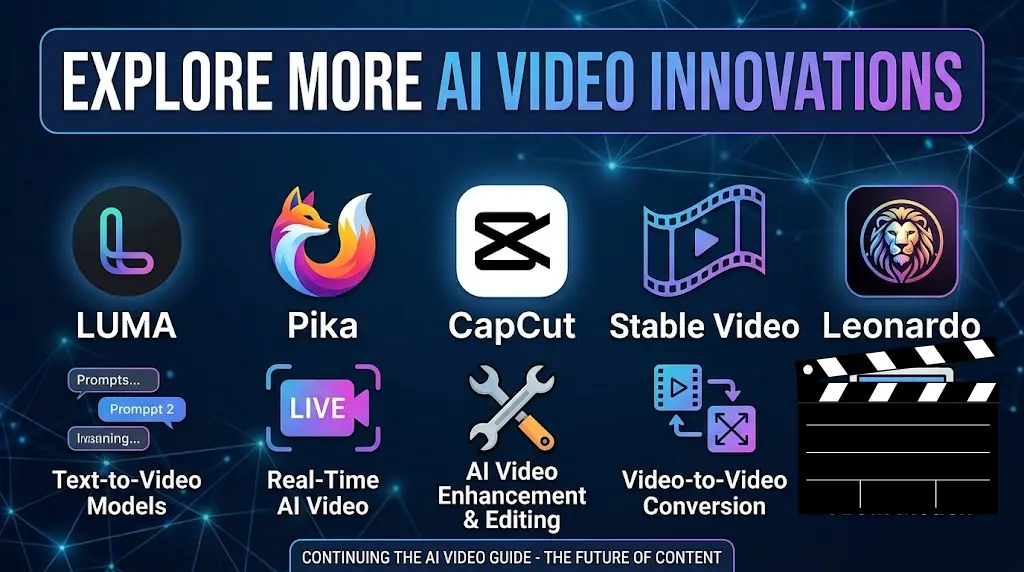
Is there a truly free AI video generator? Several tools (Kling, Pika, Luma) offer free tiers, but expect watermarks, limited credits, and non-commercial usage rights — fine for testing, not for publishing.
What’s the difference between an AI video generator and an AI avatar tool? A generator creates original footage from a prompt (Runway, Kling). An avatar tool turns a script into a presenter-led video (HeyGen, Synthesia). They solve different problems.
Can I use AI-generated video for commercial ads? Usually yes on paid plans, but licensing terms differ by tool — some grant full ownership, others a limited usage right. Confirm before running paid campaigns.
Which AI video generator is cheapest for high-volume social content? Kling 3.0 currently has the lowest cost per second of generated video among cinematic tools, making it strong for high-volume TikTok/Reels production.
Do AI avatars sound robotic? Modern platforms like HeyGen have closed most of the gap on natural-sounding speech and lip sync, but close viewers can usually still tell it’s synthetic.
Is Sora still available? OpenAI shut down Sora’s standalone consumer app in April 2026; access now runs primarily through other integrated platforms, which is a good reminder that vendor availability shifts fast in this space.
What resolution can I expect from AI-generated video? Most leading tools now output at 1080p standard, with some offering 4K on higher tiers — but always test a sample clip before committing budget to a full campaign.
Do I need video editing skills to use these tools? No — most are prompt-based with simple web interfaces, though getting consistently usable output still takes some prompt-writing practice.
Conclusion
If you’re starting from zero — no footage, no budget for a videographer — pair one cinematic generator (Kling 3.0 for value, Runway for creative control) with one avatar tool (HeyGen) and you’ll cover nearly every small business use case: ads, B-roll, explainers, and multilingual content. Don’t buy a third tool until you’ve hit a real limitation with the first two.
Ready to put one of these to work? Start with a free trial on Kling or HeyGen this week, generate five test clips against your actual brand brief, and judge the output yourself before committing to a paid plan.
Internal links: See our AI Tools category for more software reviews, and Making Money for monetization strategies using AI content.
Written by Sarah Bennett, AI tools reviewer at AI Product News, covering AI video, content creation, and small business software since 2023.