
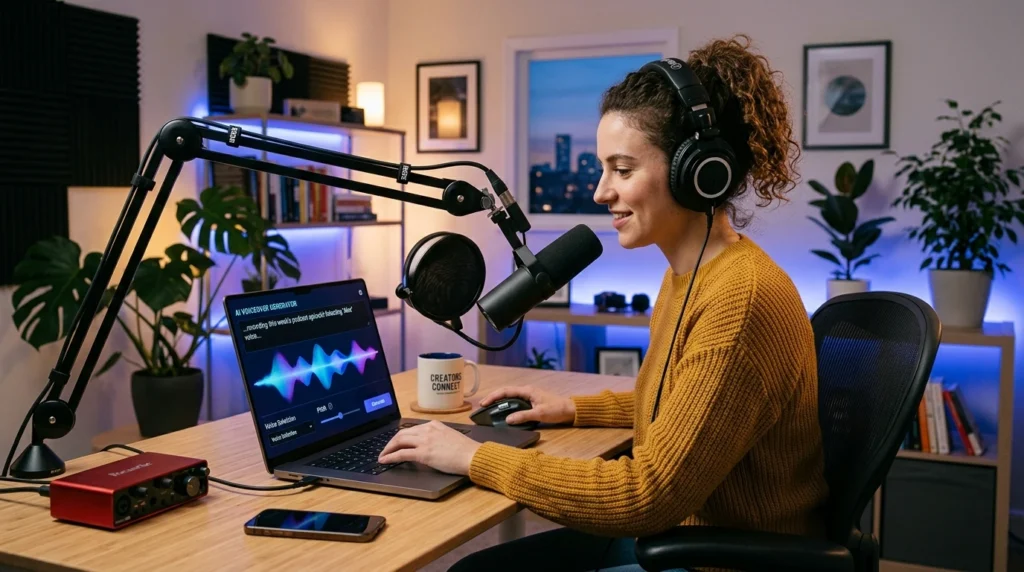
Creating professional voiceovers no longer requires expensive recording equipment, a professional studio, or a voice actor for every project. With the right AI voiceover generator, you can turn a written script into natural-sounding audio for YouTube videos, podcasts, online courses, advertisements, and social media content.
In this guide, we review five of the best AI voiceover generator tools for content creators. We compare their features, strengths, limitations, language support, and ideal use cases so you can choose the right tool for your workflow.
Table of Contents
What Is an AI Voiceover Generator?
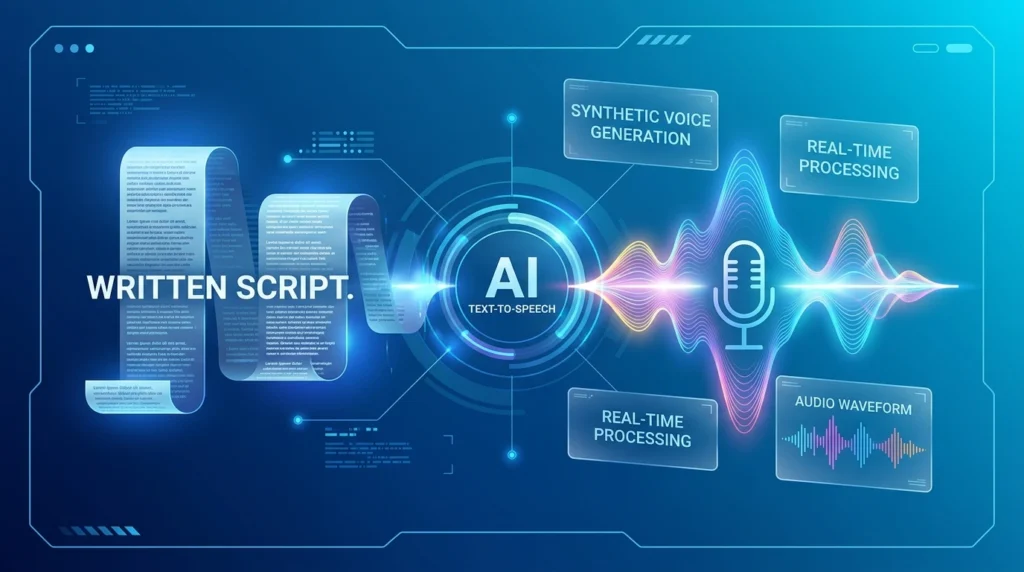
An AI voiceover generator is software that converts written text into spoken audio using artificial intelligence. Most tools allow you to paste a script, choose a voice, adjust the delivery, and download the completed audio file.
Depending on the platform, you may be able to customize:
- Voice style, age, gender, and accent.
- Speaking speed, pitch, and volume.
- Tone, emotion, and expressiveness.
- Pauses and pronunciation.
- Language and regional accent.
- Voice cloning and voice design.
- Background music and sound effects.
- Audio export formats such as MP3 or WAV.
AI voiceover tools help creators save time, reduce production costs, and publish content more consistently.
1. ElevenLabs
Best for: Realistic voices, expressive narration, and voice cloning.
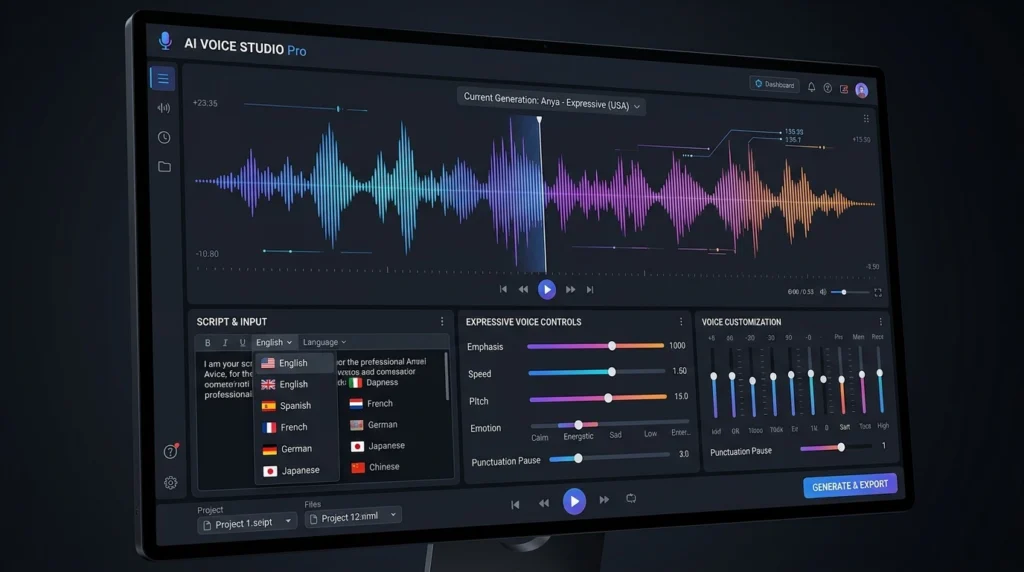
ElevenLabs is one of the most popular AI voiceover generator platforms for creators who want highly realistic and expressive speech. The platform offers a large voice library, text-to-speech generation, voice design, voice cloning, and multilingual support.
According to ElevenLabs, its text-to-speech tools support more than 90 languages, while its voiceover tools are designed for videos, podcasts, advertisements, audiobooks, and other creative projects. External link: ElevenLabs AI Voice Generator
Main features
- Highly realistic AI voices.
- More than 90 supported languages.
- Voice design based on text descriptions.
- Voice cloning capabilities.
- Adjustable tone, pacing, and delivery.
- Text-to-speech API for developers.
- Voiceover tools for videos and podcasts.
ElevenLabs is particularly useful when voice quality and emotional expression are more important than having a simple editing interface. Its voice design feature can help you create a voice based on characteristics such as age, gender, accent, and tone.
Pros
- Excellent voice realism.
- Natural emotional delivery.
- Large voice library.
- Useful for storytelling and narration.
- Supports voice design and cloning.
Cons
- Advanced features may require a paid subscription.
- Commercial usage depends on the selected plan.
- Users must follow voice-cloning consent requirements.
Best use cases
ElevenLabs is a strong choice for YouTubers, audiobook creators, filmmakers, game developers, and podcasters who need natural and engaging narration.
Try ElevenLabs AI Voice Generator
2. Murf AI
Best for: Business videos, presentations, e-learning, and marketing content.
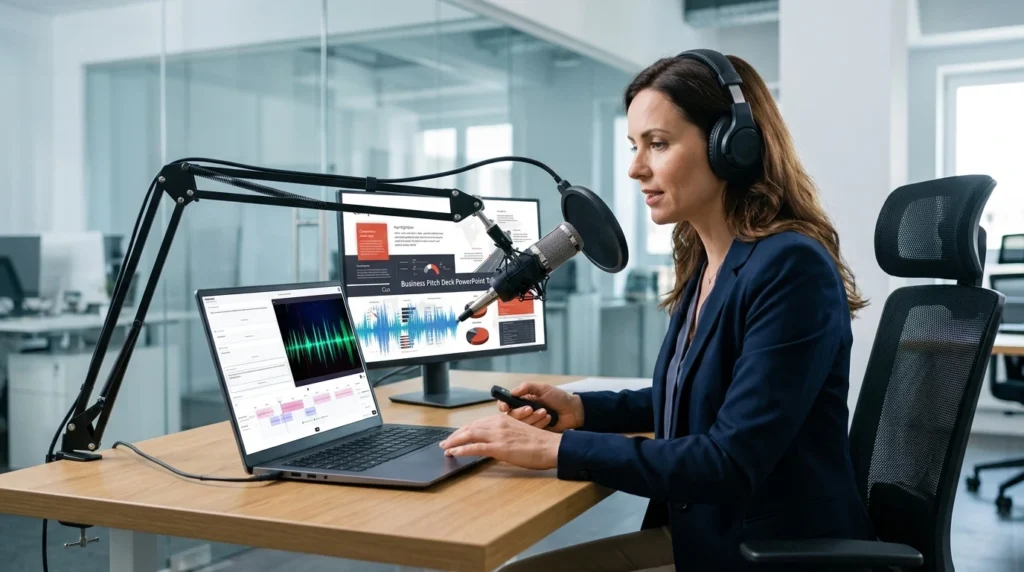
Murf AI is an accessible AI voiceover generator designed for professional content. It offers a selection of AI voices, languages, accents, and delivery styles for videos, advertisements, online courses, presentations, podcasts, and audiobooks.
Murf states that its voice generator provides more than 200 voices in 35 languages. Users can also adjust features such as speed, pitch, pauses, emphasis, tone, and intensity. External link: Murf AI Voice Generator
Main features
- More than 200 AI voices.
- Support for 35 languages.
- Multiple accents and voice styles.
- Controls for speed, pitch, pauses, and emphasis.
- Voiceovers for presentations and videos.
- Audio export options.
- Tools for business and educational content.
Murf’s interface is designed for users who may not have professional audio-editing experience. You can create a voiceover, adjust the script, and synchronize the narration with visual content from one workspace.
Pros
- Beginner-friendly interface.
- Professional voice styles.
- Useful pronunciation controls.
- Suitable for presentations and courses.
- Good option for business content.
Cons
- Free access is limited.
- Some advanced features require a paid plan.
- Voice quality can vary depending on the language and voice selected.
Best use cases
Murf AI is ideal for marketers, educators, businesses, course creators, and YouTubers who want polished narration without complex audio software.
Explore Murf AI Voice Generator
3. Speechify AI Voice Generator
Best for: Multilingual content and fast voiceover creation.
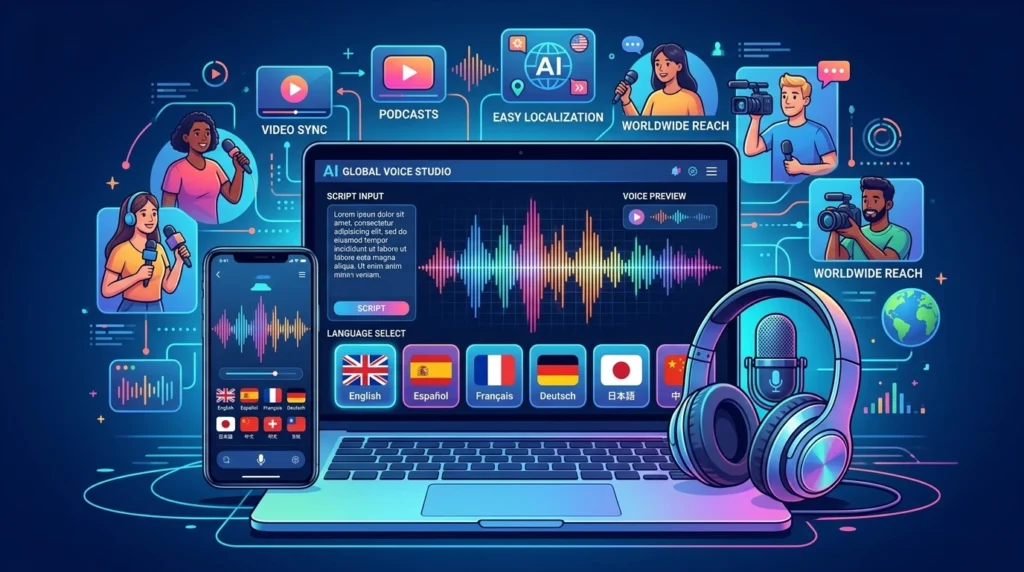
Speechify AI Voice Generator offers a large selection of AI voices and languages for creators who need to turn scripts into spoken audio quickly. The platform supports voiceovers for videos, podcasts, presentations, advertisements, and other content formats.
Speechify states that its AI voice generator offers more than 1,000 voices in over 60 languages. It also provides different accents and voice styles for various types of narration. External link: Speechify AI Voice Generator
Main features
- More than 1,000 AI voices.
- Support for over 60 languages.
- Regional accents and dialects.
- Voice cloning and voice-changing features.
- Controls for speed, pitch, tone, and emotion.
- Pronunciation adjustments.
- Audio export options.
Speechify can be useful for bloggers and content creators who publish for an international audience. Its large voice library makes it easier to find voices for educational, promotional, conversational, and storytelling content.
Pros
- Large selection of voices.
- Strong multilingual support.
- Easy-to-use interface.
- Useful for short-form video production.
- Supports different accents and voice styles.
Cons
- Voice quality may differ between languages.
- Advanced features may require a subscription.
- The large number of options can feel overwhelming for beginners.
Best use cases
Speechify is suitable for social media creators, educators, bloggers, marketers, and businesses that need voiceovers in multiple languages.
Try Speechify AI Voice Generator
4. Canva AI Voice Generator
Best for: Social media videos, presentations, and visual content.
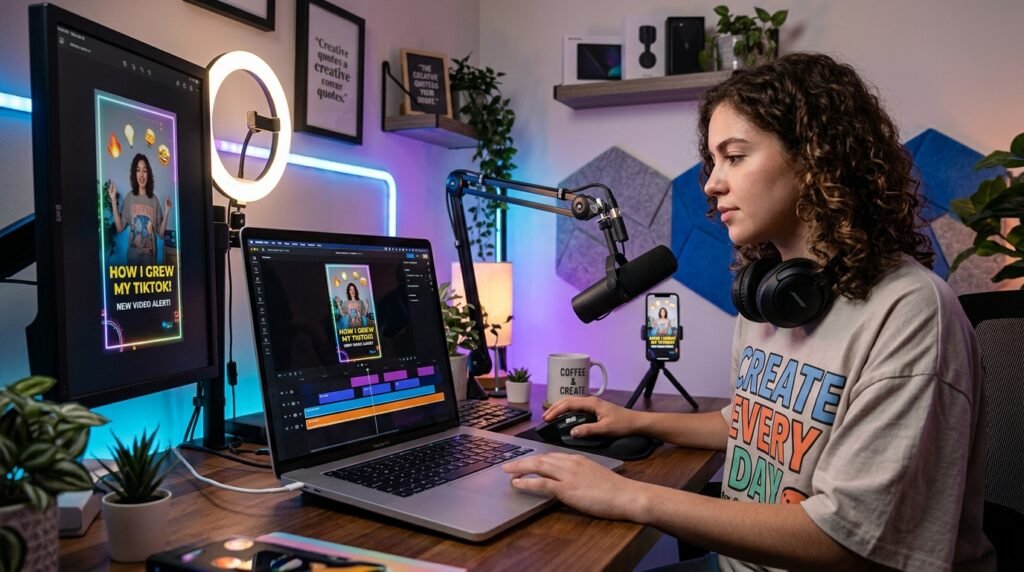
Canva’s AI voice generator is a convenient choice for creators who already use Canva to design videos, presentations, advertisements, and social media posts. Instead of generating audio in one platform and editing the video in another, users can create a voiceover inside their Canva project.
Canva explains that its AI voice tools can create natural-sounding narration for videos and presentations without requiring a microphone or recording equipment. External link: Canva AI Voice Generator
Main features
- AI voice generation inside Canva.
- Integration with videos and presentations.
- Multiple voice styles and languages.
- Easy script-to-audio workflow.
- Browser and mobile access.
- Useful for short-form content and presentations.
Canva is not designed to replace a full professional audio-production platform. However, it is highly practical for creators who want to combine voiceovers with templates, animations, subtitles, images, and video clips.
Pros
- Very easy to use.
- Voiceovers can be added directly to designs.
- Convenient for social media content.
- Suitable for beginners.
- Combines audio and visual editing in one platform.
Cons
- Fewer advanced voice controls.
- Voice availability may vary by account or region.
- Not ideal for complex voice-cloning projects.
Best use cases
Canva’s AI voice generator is best for bloggers, social media managers, small businesses, and creators who already use Canva for design and video editing.
Learn more about Canva AI Voice Generator
5. Descript Overdub
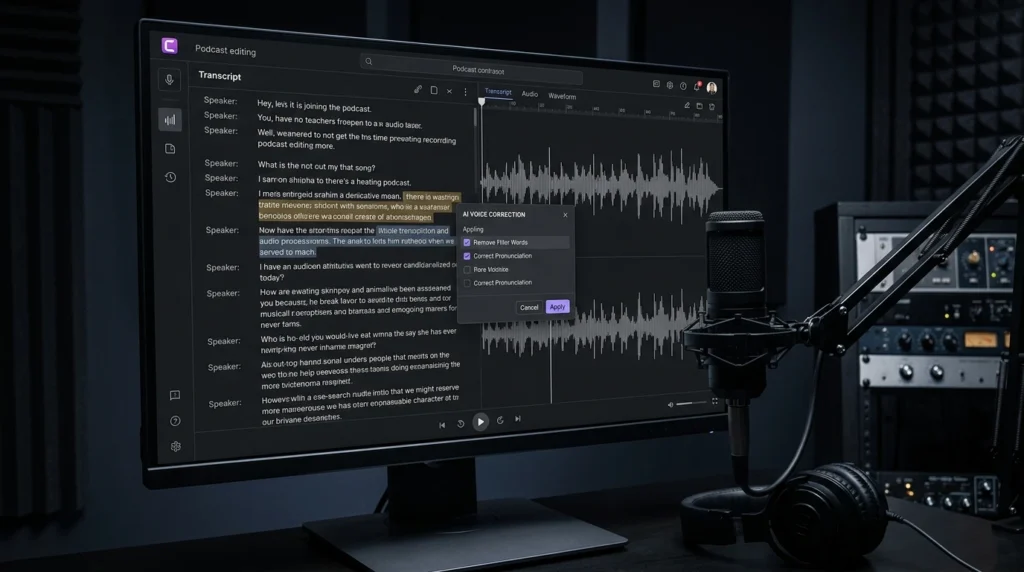
Best for: Podcasts, video editing, and correcting recorded speech.
Descript Overdub combines AI voice generation with text-based audio and video editing. It allows creators to edit spoken content by changing the transcript instead of rerecording an entire section.
For example, if a podcaster says the wrong word, they can edit the text and generate a corrected version using an authorized voice model. Descript also provides stock AI voices for users who do not want to create a custom voice.
Descript describes Overdub as a tool for creating natural-sounding AI voice clones and generating speech from text. External link: Descript Overdub
Main features
- AI voice cloning.
- Stock AI voices.
- Text-based audio and video editing.
- Corrections through transcript editing.
- Voiceovers for podcasts and videos.
- Integrated transcription and editing tools.
Pros
- Excellent for podcast editing.
- Corrects mistakes without rerecording.
- Combines transcription and voice generation.
- Useful for maintaining a consistent voice.
- Suitable for video and audio projects.
Cons
- Better suited to editing workflows than simple text-to-speech.
- Voice cloning requires proper authorization.
- Some features may be limited by the selected plan.
Best use cases
Descript Overdub is a good option for podcasters, video editors, interview producers, and creators who frequently need to update or correct spoken recordings.
Best AI Voiceover Generators Compared
| Tool | Best for | Main advantage | Voice and language support | Ease of use |
|---|---|---|---|---|
| ElevenLabs | Realistic narration | Expressive voices and voice cloning | 90+ languages and a large voice library | Easy |
| Murf AI | Business content | Professional controls and presentation voices | 200+ voices and 35 languages | Easy |
| Speechify | Multilingual projects | Large voice and language library | 1,000+ voices and 60+ languages | Easy |
| Canva | Social media content | Integrated video and design workflow | Multiple voices and languages | Very easy |
| Descript Overdub | Podcasts and editing | Edit speech by changing text | Stock voices and custom voice models | Easy |
Voice counts, language support, pricing, and feature availability can change. Check each provider’s official website before subscribing or publishing commercial content.
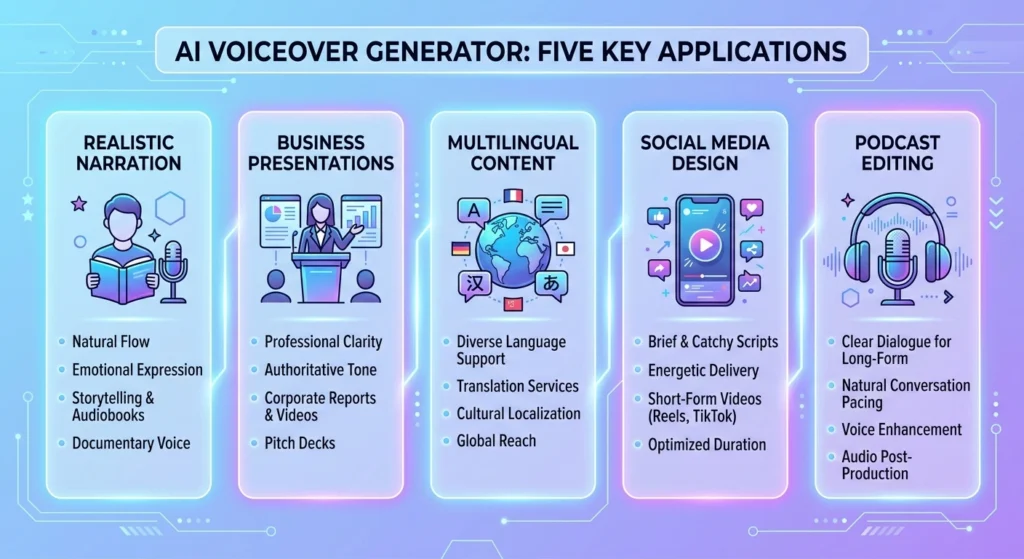
How to Choose the Best Voiceover Generator
The right tool depends on your content type, budget, editing experience, and desired voice quality.
Choose ElevenLabs for realism
ElevenLabs is a strong option when you need expressive and natural narration for documentaries, audiobooks, storytelling videos, or professional advertisements.
Choose Murf AI for business content
Murf AI is suitable for presentations, online courses, product demonstrations, corporate videos, and marketing campaigns.
Choose Speechify for multilingual content
Speechify may be the better option if you create content in several languages or need access to many accents and regional voices.
Choose Canva for convenience
Canva is ideal when your content workflow already includes templates, graphics, animations, captions, and video editing.
Choose Descript for podcast editing
Descript is particularly useful when you record your own voice and want to correct mistakes without recording the entire section again.
For more useful AI software recommendations, visit our AI tools category.
You can also explore our guide to the best AI tools for small businesses and our list of the best AI video generators for product ads.
How to Create an AI Voiceover
Creating a voiceover with AI usually takes only a few steps:
- Write a clear and well-structured script.
- Choose an AI voiceover generator.
- Paste or upload your script.
- Select a voice, language, and accent.
- Adjust the pace, tone, pitch, and pronunciation.
- Generate a short sample.
- Review the audio for unnatural pauses or incorrect pronunciation.
- Make any necessary changes.
- Export the final audio file.
- Add the voiceover to your video, podcast, presentation, or advertisement.
Example voiceover instruction
Instead of entering only:
Welcome to our video about productivity tools.
You can provide additional direction:
Read this script in a warm, confident, and energetic tone. Use a moderate pace, pause after the introduction, and emphasize the phrase “productivity tools.”
Specific instructions can help the AI produce a voiceover that better matches your audience and content style.
Tips for Creating Better AI Voiceovers
Write naturally
Write your script as people speak. Use short sentences, simple words, and natural transitions.
Use punctuation
Commas, periods, line breaks, and dashes can help create natural pauses and improve the rhythm of the voiceover.
Check pronunciation
Always listen for problems with names, technical terms, abbreviations, and place names. Use pronunciation controls when available.
Keep your voice consistent
If you publish a series of videos, use the same voice, accent, and delivery style. Consistency helps strengthen your brand identity.
Keep background music quiet
Background music should support the narration, not compete with it. Make sure the voice remains clear on mobile devices and headphones.
Review commercial rights
Before using generated audio in monetized videos, advertisements, courses, or client projects, confirm that your plan includes commercial usage rights.
Use voice cloning responsibly
Only clone your own voice or a voice for which you have explicit permission. Avoid impersonating public figures, private individuals, employees, or clients.
Q&A AI voiceover generator
What is the best AI voiceover generator?
ElevenLabs is one of the strongest choices for realistic and expressive AI voiceovers. However, Murf AI may be better for business presentations, Canva is more convenient for social media designs, and Descript is useful for podcast editing.
Can I use an AI voiceover on YouTube?
Yes, AI voiceovers can be used in YouTube videos, but you should check the AI tool’s licensing terms and YouTube’s latest policies. If your content is monetized, confirm that your plan allows commercial use.
Are AI voiceover generators free?
Many AI voiceover generators offer free plans or trials. These plans may limit the number of characters, voice options, exports, or available commercial rights. Paid plans usually provide higher limits and additional features.
Can AI voiceovers sound like real people?
Yes. Modern AI voice generators can produce realistic speech, especially when the tool supports expressive voices and the script includes clear punctuation and delivery instructions. Results may vary by language, voice, and platform.
Can I clone my own voice with AI?
Some AI voiceover platforms allow users to clone their own voice. You should provide an authorized recording and follow the platform’s identity verification and consent requirements.
Which AI voiceover generator is best for beginners?
Canva is one of the easiest choices for beginners who want to add narration to videos and presentations. Murf AI and Speechify are also user-friendly options with more voice and language controls.
Which AI voiceover tool is best for YouTube videos?
ElevenLabs is a strong choice for realistic storytelling and narration. Canva may be more convenient for short-form videos, while Murf AI is suitable for tutorials, explainers, and professional presentations.
Can AI voiceovers be used commercially?
Some AI voiceover generators allow commercial use, but the terms depend on the platform and subscription plan. Always review the provider’s current licensing agreement before using an AI voice in advertisements, client work, courses, or monetized videos.
How can I make an AI voiceover sound more natural?
Use conversational writing, add punctuation, include pronunciation instructions, choose a suitable voice, adjust the speed, and listen to the complete audio before publishing.
Final Verdict
The best AI voiceover generator depends on your publishing goals. ElevenLabs is a top choice for realistic narration, Murf AI works well for business and educational content, and Speechify is useful for multilingual projects. Canva is ideal for simple social media workflows, while Descript Overdub is best for podcast and video editing.
Before choosing a tool, test it with your own script and compare voice quality, pronunciation, languages, editing controls, export options, pricing, and commercial-use rights. The right platform can help you create professional voiceovers faster while keeping your content consistent and engaging.
Editorial note: Voice counts, supported languages, pricing, features, and licensing terms may change. Check each provider’s official website for the latest information before publishing commercial content.